Getech

Getech Brand Identity Guidelines

Praecellere in omnibus agimus

Distribution Schools Telecoms Education Enterprise Public Sector Partner Services

Corporate logo design

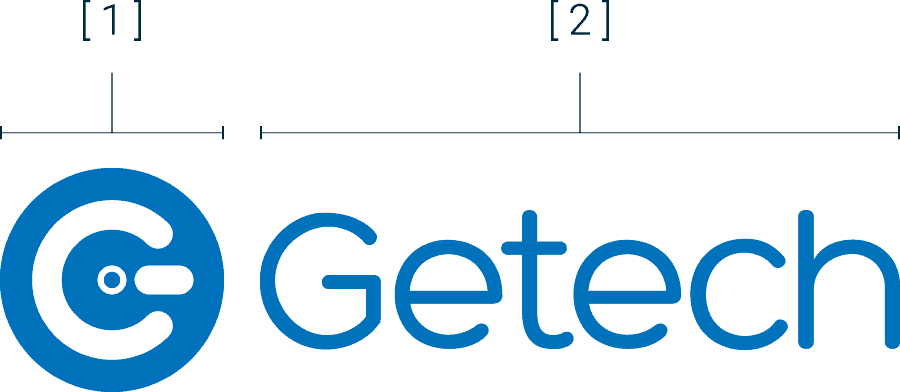
The Getech logo consists of three elements:
[ 1 ] an icon, [ 2 ] a wordmark and if required, [ 3 ] the department tag.

[ 1 ] The Icon

The “Getech G” icon can be used with the wordmark or alone to reinforce the brand.

[ 2 ] The Wordmark

The Getech name is created with the Hero Regular font with the department written in Work Sans Light.

[ 3 ] The Department

Getech works in a variety of verticals. Use the Department name when needed.

Logo variations

Please use the blue logo on light backgrounds and the white variant on dark or coloured backgrounds.

When the logo is on an image, use the white variation on dark backgrounds. Only use the colour logo with lighter images, depending on the contrast.

Logo clear space and size

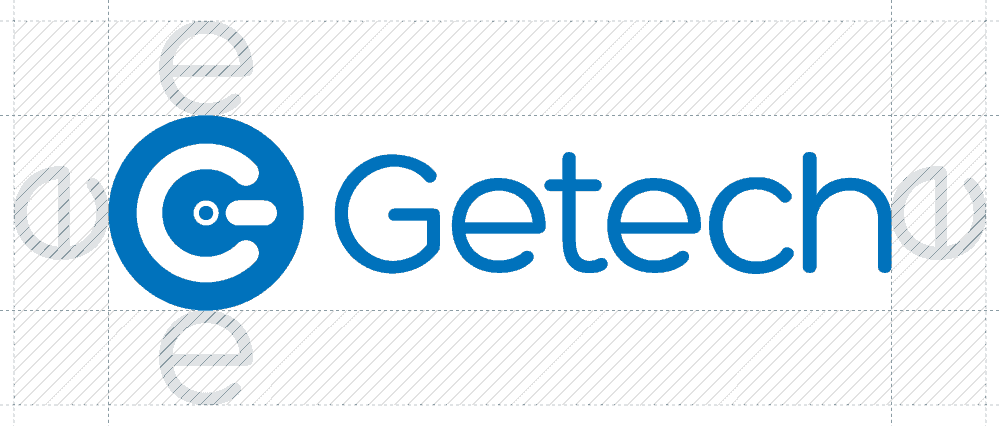
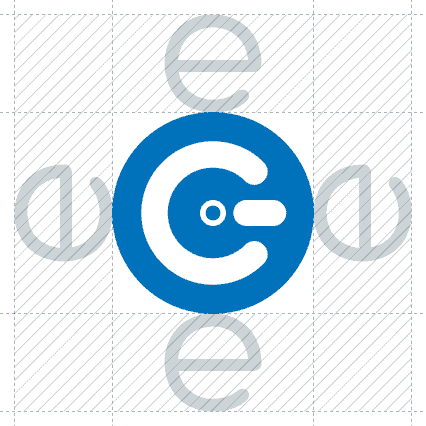
The brand identity should always be placed with an area of space surrounding it. This ensures that no other graphic element interferes with the communication of our brand.

Determine the minimum clear space around the brand identity by using the height of an “e” surrounding the G icon or logo, as per the illustration.

To ensure legibility and clear communication of the Getech brand, the minimum recommended size that our logo should be used is 30 mm for print and 100 pixels for digital.

Thou shalt not...

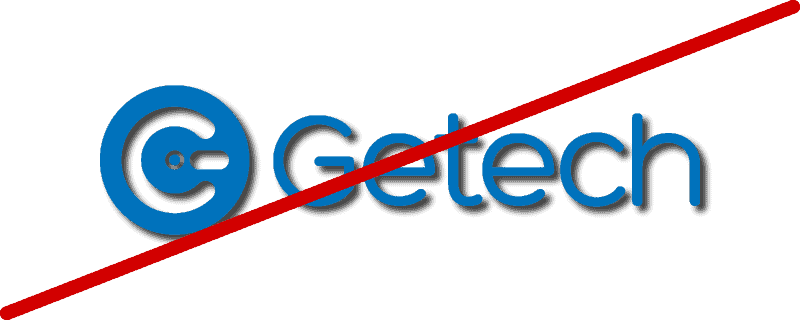
To ensure the strength of the Getech brand identity, consistency of usage is extremely important. Here are some examples of what NOT to do.

Do not change the individual parts of the logo.

Do not stretch or disproportionately resize the logo.

Do not apply graphical elements such as drop shadow.

Do not use a white logo in a blue box on a white background.

Do not change the composition or layout of the logo.

Do not change the colour or use a gradient on the logo.

Getech Blue

#0072BC

Getech Green

#82C305

Getech Navy

#00283C

Getech Grey

#F3F5F8

Corporate colours

These colours represent our brand.

We use these colours across our visual communications.

Copy the code to use the colours in documents etc. 

For alternative colour details (i.e. creating work for print) speak to the marketing team

Primary headline font

Work Sans is used for headlines both in print and digital instances.

Primary body font

Roboto is used for body copy both in print and digital instances.

Secondary font

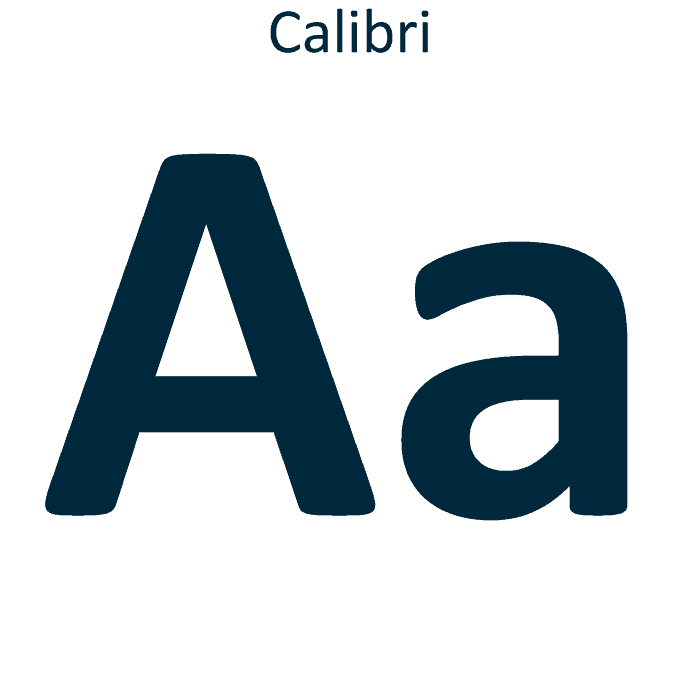
When the primary fonts are not available, use Calibri as the alternative.

Iconography

Iconography can help simplify complex ideas or translate messages quickly. Every icon should share a similar style and structure to unify our communications and contribute to a consistent brand experience that is unique to Getech.

When working with icons, we want to use a minimal palette that consists of only our primary colours. Icons should be flat with little depth and have simple identifiable shapes representing our products and services.

We use icons throughout the website and other promotional material to highlight critical elements of our product or services. They are also used when creating a layout with other brand elements and a photograph or illustration.

Downloads

You can access relevant brand files, including logo files, fonts and templates via a Marketing channel in Teams.

You can download a copy of the Getech logo in several formats depending on your need.

JPEG (or JPG)
JPEGs might be the most common file type you run across on the web and, more than likely, the type of image you would use in MS Word and other software.

PNG
PNGs are great for interactive documents such as web pages but unsuited for print due to their low resolution. PNGs are used in most web projects as you can save your image with more colours on a transparent background. This makes for a much sharper, web-quality image.

SVG
SVGs, or scalable vector graphics, can be manipulated using design editing software and are used at any size on a website or in printed material.

PDF
PDFs were invented by Adobe to share information from any application, on any computer, with anyone, anywhere. Images saved as a PDF can be viewed without any design editing software (as long as you have downloaded the free Acrobat Reader software).