
Seamless classroom management
NetSupport
It’s time to move away from reactively troubleshooting problems inside and out of the classroom because educators don’t have clear sight of the situation in context, towards proactive, empowered management and safeguarding.
Technology in schools is a powerful asset, but only if it remains under control. For many school IT and MAT leaders, managing a diverse estate of Windows and ChromeOS devices across multiple sites can feel fragmented and overwhelming. Teachers are often distracted by technical hurdles, while Safeguarding Leads face the pressure of identifying hidden risks within vast amounts of data.
We believe that digital safety and classroom efficiency should work in harmony. The anxieties of meeting KCSIE standards while trying to foster an engaging learning environment can only be alleviated when schools and trusts have a unified platform that returns focus to the teacher, clarity to the DSL and control to the IT admin.

One Unified Platform. Three Essential Pillars.
Schools with small IT teams (if they have one at all) and MATs with a huge userbase dispersed across multiple locations require a natively cloud-based solution that brings student oversight into a single, intuitive interface.
NetSupport allows you to monitor, manage and protect your students with unparalleled precision from any location, offering deep integration with Google Workspace and Microsoft 365 environments.
From high-speed P2P remote support that bypasses network congestion, to automated safeguarding alerts that sync directly with your MIS, NetSupport provides the robust infrastructure needed to foster a safe, high-performance learning environment.
How do you keep students on track?
NetSupport keeps students on track by providing teachers with real-time visibility and instant interaction tools, eliminating the digital drift that often occurs during technology-led lessons.
How can IT manage a growing estate?
IT admins can access the NetSupport Tech Console from anywhere for a high-speed, birds-eye view of every device, regardless of where it is located on your network.
How do you identify genuine risk?
Safeguarding in 2026 requires more than just flags; it needs context. NetSupport provides DSLs with the intelligence needed to make informed, fast decision.
Smart Classroom Management
It’s easy for a lesson to lose momentum when students are behind screens, so teachers need the ability to guide learning without constantly circulating the room. NetSupport provides the tools to orchestrate digital learning with ease.
- Boost participation by awarding stars directly to student screens – a proven motivator in Primary settings.
- Launch live polls, broadcast one-way messages, or use ‘Random Student Select‘ to keep the whole class engaged.
- Students can request help via a dedicated button, alerting the teacher immediately without disrupting the lesson flow.
- Instantly approve or restrict websites and apps to ensure students remain focused on the task at hand.

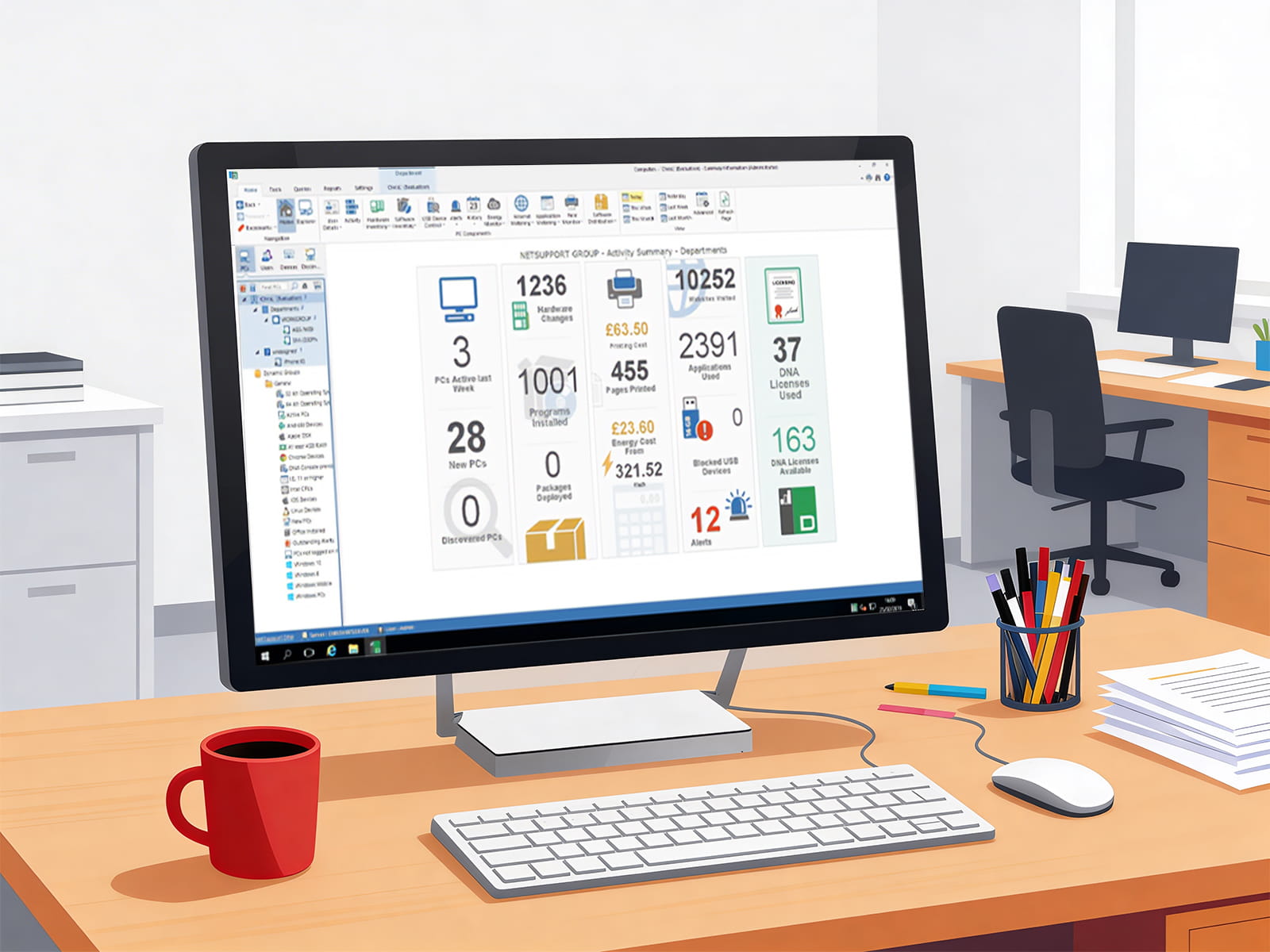
The Tech Console
Managing a growing fleet of devices across multiple sites often leads to blind spots in IT oversight. The Tech Console removes this friction by providing admins with high-speed, real-time visibility that streamlines support and maximises the uptime of school hardware.
- View live thumbnails of every powered-on device before you even initiate a remote session.
- Gain deeper visibility on ChromeOS compared to standard browser-based management, alongside full remote control for Windows.
- Group devices by location, year group, or specific laptop trolleys for granular management.
- Reset Active Directory passwords directly from the console to resolve login issues in seconds.
Advanced Safeguarding
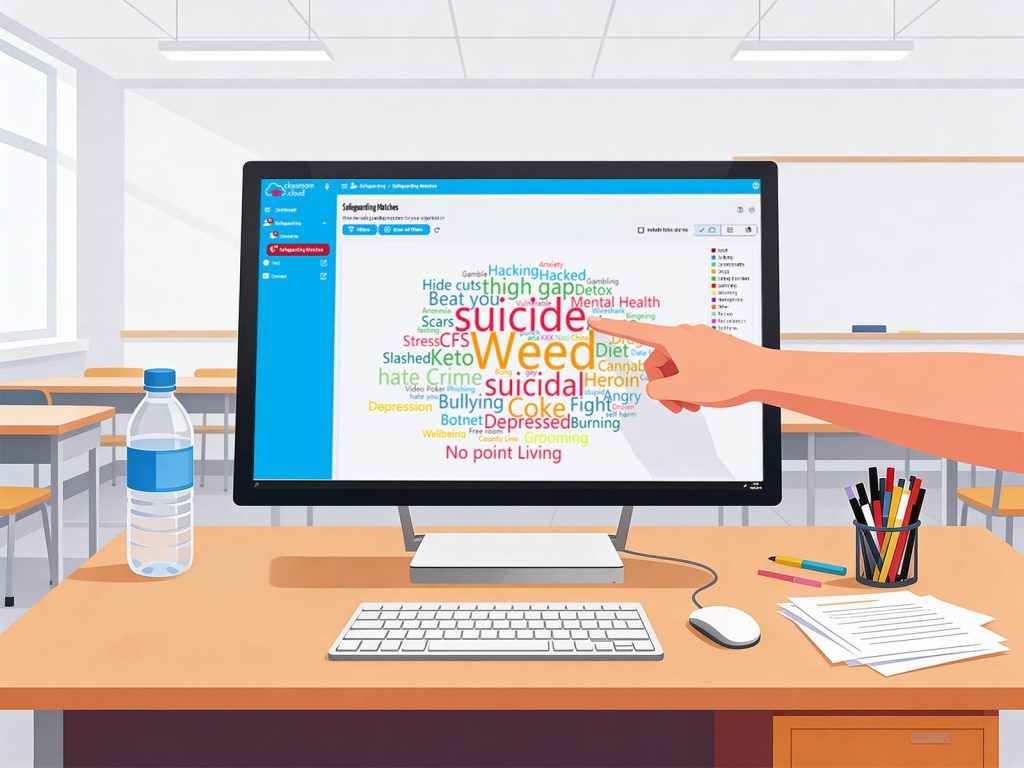
Digital safeguarding requires more than just a list of triggered keywords. Having the context to understand the ‘why’ behind the alert adds intelligence to evidence, helping DSLs make fast, informed decisions that protect the wellbeing of every student.
- When a keyword is triggered, the system captures a 50-second screen recording (25 seconds before/after) for essential context.
- Access over 20,000 phrases in 20 languages, including updated slang definitions to stay ahead.
- Fully integrated reporting with CPOMS and MyConcern ensure every incident is logged and tracked within your existing workflow.
- Filter alerts by age range or specific ‘at-risk’ cohorts so those who need the most support are never missed.
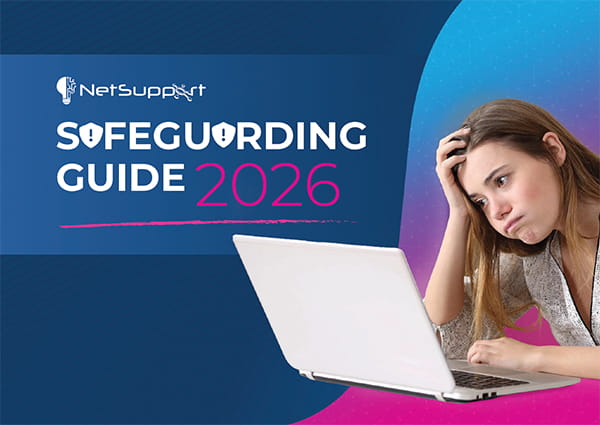
Your Guide to Online Safety in Today's Digital Landscape
Developed with school senior leaders, teachers, governors and parents in mind, this informative guide highlights the trending risks to watch out for and the online safety habits we can all adopt to keep every child’s interaction with technology a healthy experience.
Frequently Asked Questions

Answered by Dan Kingsley,
UK Channel Manager at NetSupport
How does NetSupport's classroom.cloud support schools and trusts with meeting KCSIE guidance for safeguarding?
classroom.cloud meets KCSIE standards by providing proactive monitoring that captures screenshots and video recordings of triggered events, giving DSLs the vital context needed for effective triage. It offers deep visibility into AI sources and collaboration tools to identify emerging risks, while delivering automated alerts and reports that allow both individual schools and entire trusts to act swiftly on safeguarding concerns.
What platforms can NetSupport's classroom.cloud support and can they be offsite, too?
classroom.cloud is built for modern, flexible learning environments and supports all major operating systems. Because it is a cloud-based solution, its monitoring and management capabilities work anywhere there is an internet connection, whether the student is onsite or offsite. This makes classroom.cloud perfect for 1:1 device environments or school-issued devices going home.
How can NetSupport's classroom.cloud provide additional benefits to teachers in the classroom?
classroom.cloud empowers teachers by providing total digital oversight and control to eliminate distractions and maximise learning time. From a single dashboard, teachers can:
- Monitor student screens in real-time,
- Instantly lock devices for instructions, and
- Push (or restrict) specific websites and apps to every student simultaneously to ensure a seamless lesson start.
The platform further boosts engagement through interactive tools such as live screen sharing, instant surveys and discreet 1:1 help requests. These features allow teachers to support individual needs and celebrate progress without interrupting the flow of the entire class.
How can NetSupport's classroom.cloud offer IT departments a support and management facility across their organisation?
classroom.cloud streamlines IT operations by providing a centralised, cloud-based ‘Tech Console’ that enables technicians to manage devices and users across an entire school or trust. IT teams can perform advanced troubleshooting via remote control, PowerShell scripting and registry editing.
With additional tools for hardware/software inventory, activity logging and automated power management, the platform significantly reduces manual workloads and operational costs while ensuring all devices remain secure and compliant across every site.
Why choose NetSupport's classroom.cloud?
Choosing NetSupport means choosing a brand you can trust, built on over 37 years of experience and a global reputation for reliability and education. This longevity is backed by an expertise that goes beyond software; we provide schools and trusts with extensive, free-to-access specialist resources, including our comprehensive Digital Strategy Guide and dedicated safeguarding guide that align with the latest KCSIE updates.
Our commitment to sharing industry knowledge, combined with consistently positive community feedback, ensures you are supported by an established provider that understands the practical realities of modern school management.
Partner with Getech
Our team of experts are ready to support you with each step of implementing your chosen solution, from procurement to deployment.
Ready to start a conversation?